¶ First login and initial setup
Assumes you've completed the installation and have the stack running at http://localhost:8069/.
¶ Log in
Visit http://localhost:8069/web/login. Default credentials on a fresh demo install: admin / admin.
Want to try the system as a student, guardian, teacher, or registrar instead? See the demo users page for the pre-seeded accounts.
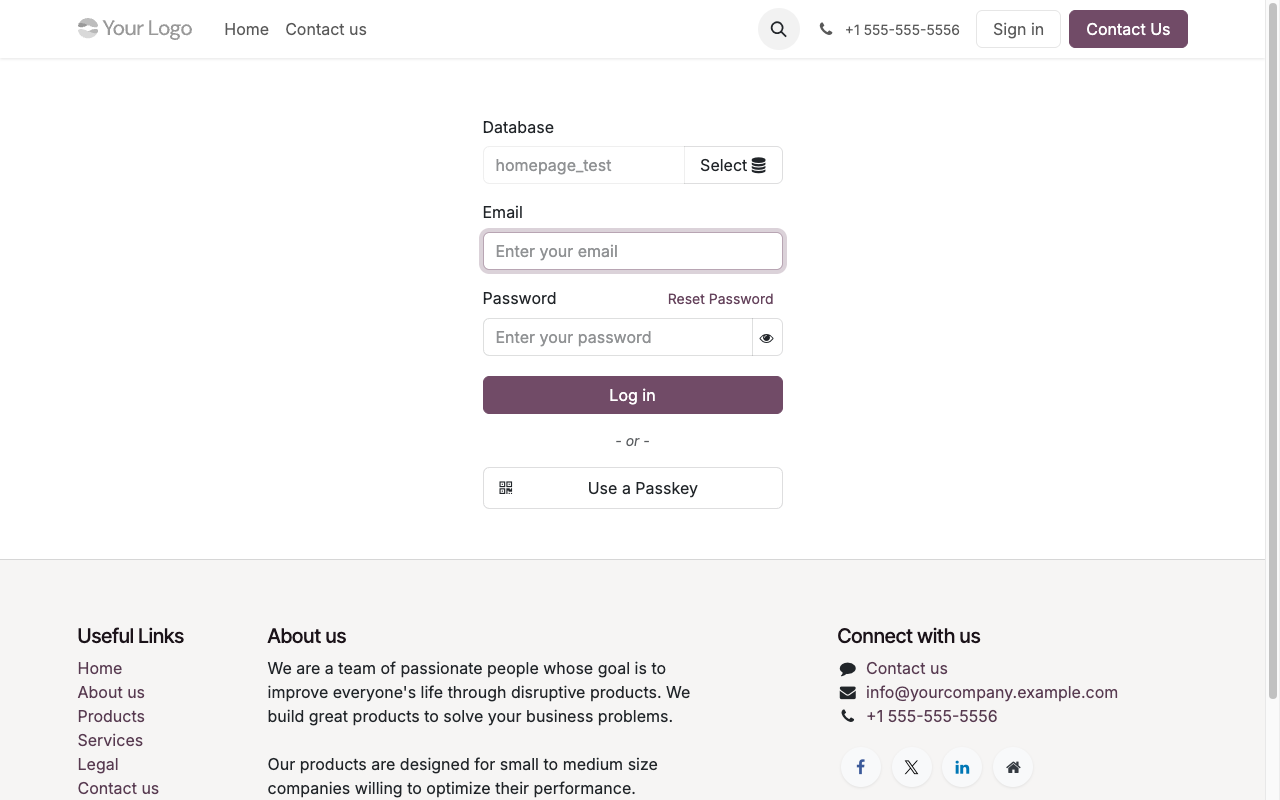
¶ Set your school identity
The public homepage at / pulls the school name and logo from res.company. Update them once on first boot:
- Settings → Users & Companies → Companies → My Company.
- Replace the name with your school's name (e.g. Riverside Elementary).
- Upload the school crest / logo in the top-left image field.
- Update address, phone, email — these surface on invoices and the report-card PDF footer.
¶ Grant School Manager to your admin user
If you followed the install guide you've already done this. If not:
- Settings → Users & Companies → Users → Mitchell Admin (or whatever your admin is named).
- Tick Access Rights → School Management → Manager.
- Save and hard-refresh (
Cmd/Ctrl + Shift + R).
The School app will now be visible in the top-left apps grid:
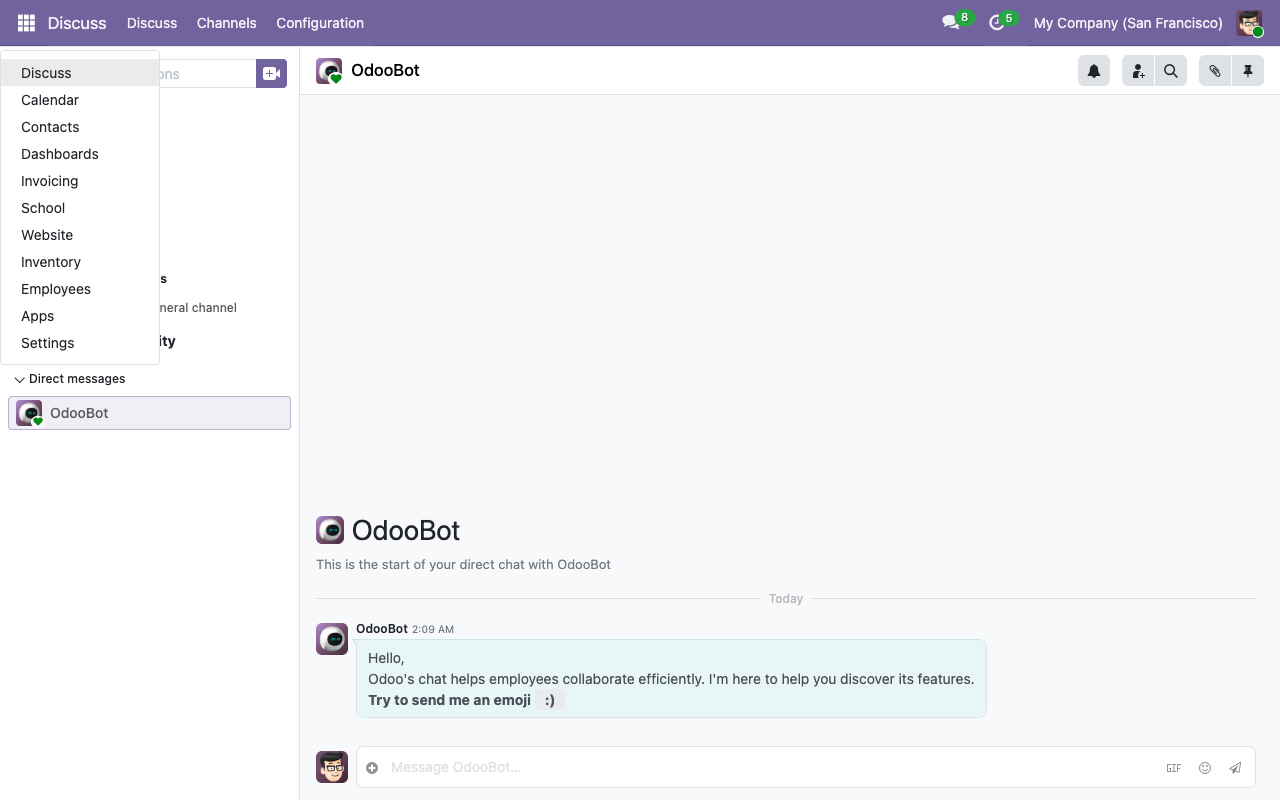
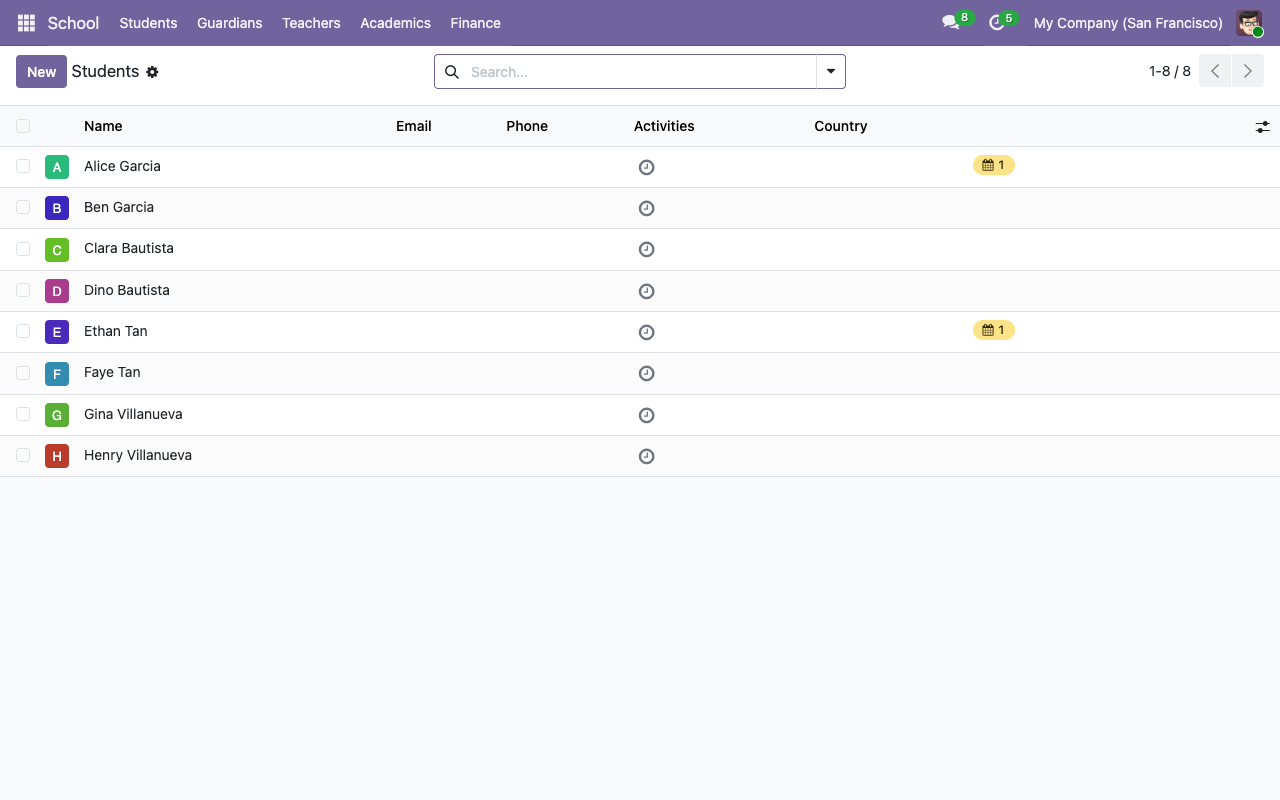
Click School and you land on the Students list. On a demo install, you'll see the 8 pre-loaded students:
¶ Tour of the top menu
| Menu | What's under it |
|---|---|
| Students | All res.partner records flagged as is_student. Their profile form holds admission number, classroom, guardians, medical notes, emergency contact. |
| Guardians | Partners flagged is_guardian — typically the people who pay fees and receive notifications. |
| Teachers | hr.employee records flagged is_teacher. Their profile form has the Teaching tab and the list of homeroom classrooms. |
| Classrooms | Each classroom is scoped to an academic year with a grade level (K–12) and a homeroom teacher. |
| Academics | Subjects, Courses, Sessions (calendar.event), Attendance, Exams, Exam Results, Report Cards. |
| Library | Books, Copies, Loans. |
| Finance | Fee Enrollments, Fee Invoices, Scholarships. |
| Canteen | Wallets, Transactions, Daily Menus. |
| Shop | Sales. |
| Transport | Routes, Assignments, Vehicles. |
| Configuration (under the gear) | Academic Years, Terms, Admission Number Sequence, Subjects, Grading Scales, Exam Types, Fee Structures, Fee Items, Library Categories / Authors, Dietary Tags, Shop Items. |
¶ What the demo data contains
If you installed with --without-demo=False, the system is seeded with enough data to showcase every module:
- 1 academic year (2026–2027) with 2 terms (S1 Fall, S2 Spring).
- 4 classrooms — Grade 9 A/B, Grade 10 A/B — each with a homeroom teacher.
- 4 teachers — Maria Santos (Math), Juan Dela Cruz (Science), Anna Reyes (English), Pedro Mendoza (History).
- 4 families × 2 guardians × 2 students = 8 guardians, 8 students, all cross-linked.
- 16 courses (every subject × every classroom) with weekly schedule rules.
- 2 published Math 9A exams with real grades for Alice (88.2% B) and Ethan (75.2% C).
- A draft report card for Alice covering S1 2026–2027.
- 2 fee structures (Grade 9 ₱57k, Grade 10 ₱62k) and 2 draft enrollments.
- A 10 % merit scholarship on Alice's enrollment.
- 3 library books × 2 copies each, with one active loan (Alice borrowed HP#1).
- 3 canteen products with dietary tags, 2 wallets, a posted top-up and a purchase.
- 3 shop products and 1 draft sale for Carlos Garcia.
- 2 transport routes with 3 stops each, 3 active student assignments.
- 3 mail templates + 3 automation rules ready to fire.
¶ Next steps
You're ready to use the system. The most common workflows are covered in: